EQ-10
A ten-band EQ with source-focused starting layouts.
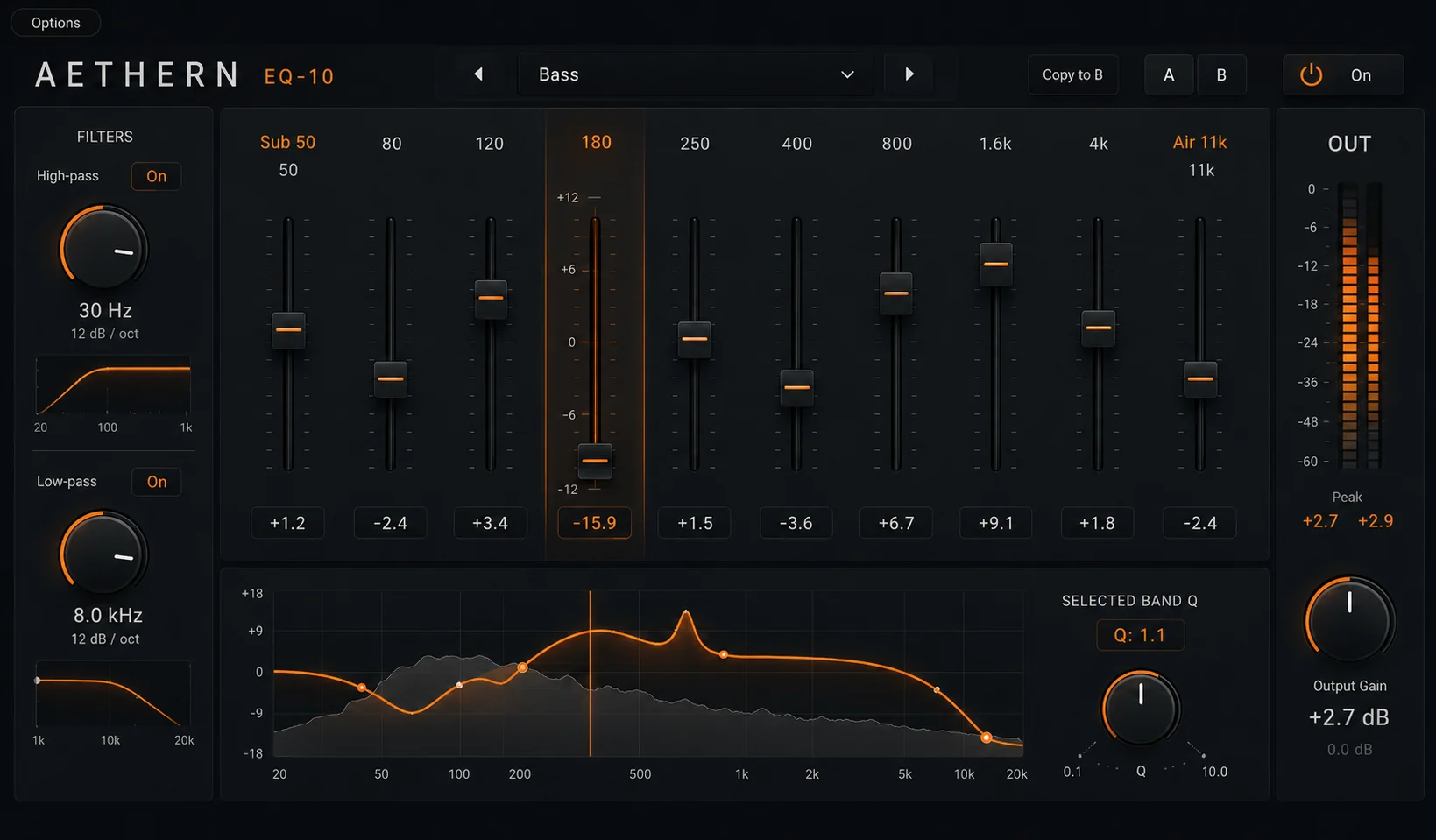
Choose a source layout, then edit frequency, gain and Q on every band.
Video
See EQ-10 in use
A short walkthrough of source layouts, band editing, dynamic processing and comparison tools.
Source layouts
Start with a layout matched to the source.
EQ-10 provides context-dependent frequency workspaces for different source types. The layouts are starting points; every band remains directly editable.
The layouts are starting points. Frequency, gain and Q remain editable on every band.
Features
Features
Source-focused layouts
Start with a frequency distribution shaped around vocals, bass, drums, guitar or the full mix.
Fully editable bands
Move any band wherever you need it and adjust frequency, gain and Q directly.
Dynamic processing
Turn selected bell and shelf bands into dynamic processors.
EQ Match
Compare and match tonal profiles without leaving the plugin.
Filter choices
Use bell, shelf, high-pass and low-pass filters across the ten-band layout.
Visual feedback
Inspect the spectrum and combined response in the same workspace.
Specifications
Product details
- Bands
- 10 independently controlled bands
- Layouts
- Context-dependent frequency workspaces
- Controls
- Frequency, gain, Q, bypass
- Filters
- Bell, shelf, high-pass, low-pass
- Advanced
- Dynamic EQ and EQ Match
- Visuals
- Spectrum analyser and combined response
- Formats
- AU · VST3 · AAX
- Operating systems
- Mac · Windows
EQ-10
Try EQ-10
Full product trial available.
Secure payment processed by [PAYMENT PROCESSOR]. Purchase is subject to the Terms & Conditions and Software Licence Agreement.